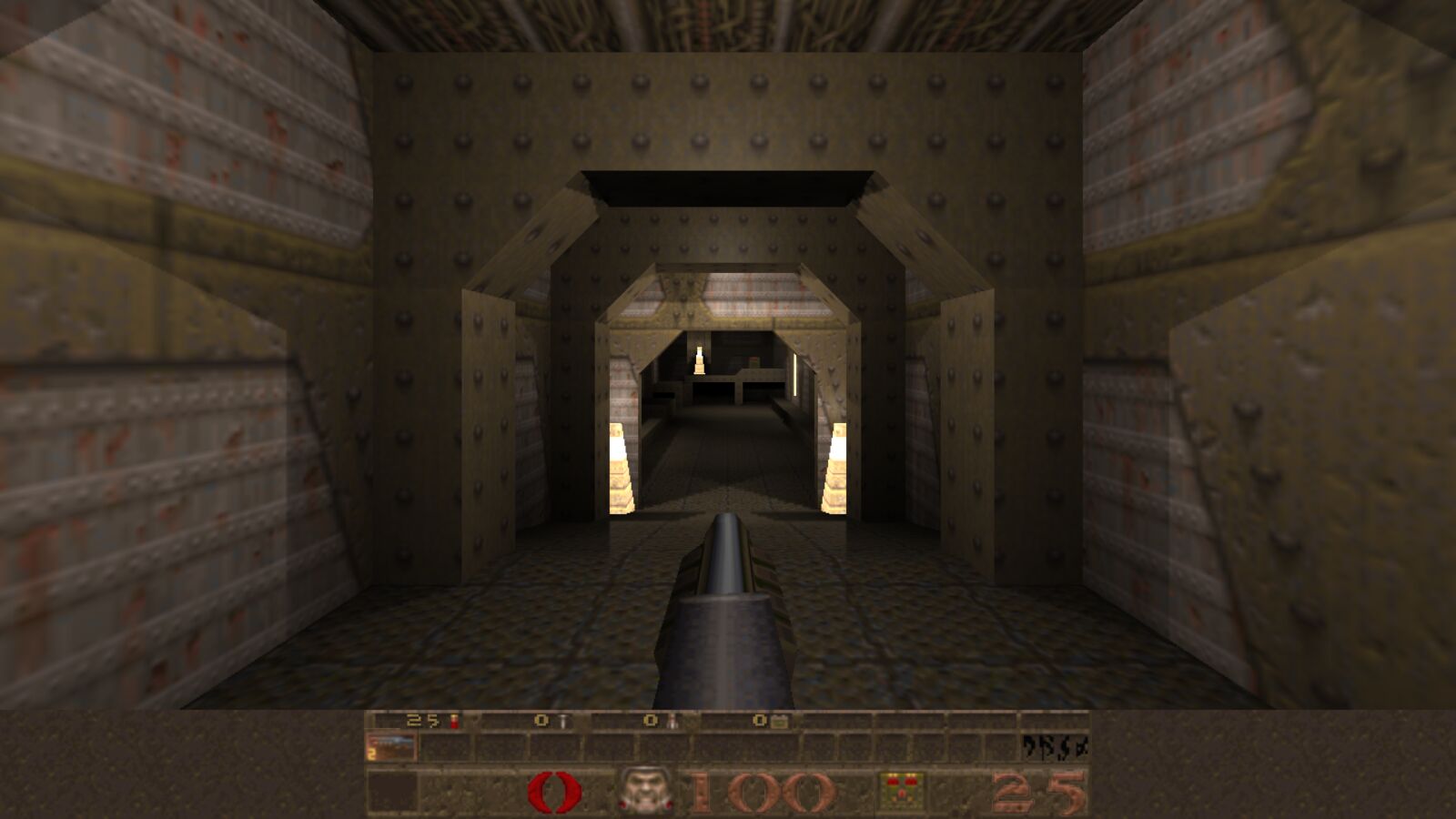
Quake
id Software, 1996
Quake 1.09 with mouse look, widescreen and optional ray-traced lighting. Includes the shareware episode.
Preparing…
Saves stay in this browser. Own the full game? Add it with Game data.

id Software, 1996
Quake 1.09 with mouse look, widescreen and optional ray-traced lighting. Includes the shareware episode.
Saves stay in this browser. Own the full game? Add it with Game data.
Overbright lighting gives the brighter look of the original software version. Antialiasing takes effect the next time you start. For brightness, use Options in the game menu.
Relights every level in real time, with shadows from its lights and your weapon fire. If the game slows down, lower the resolutions below.
Bounce lighting lets light reflect off walls and floors and pick up their colour. Ambient fill only applies with bounce lighting off. Dynamic light glows aren't needed with ray-traced lighting.
The mouse ignores your system's pointer acceleration, so aim feels the same on every computer.
Turns faster when you move the mouse quickly. 0 turns it off.
| W A S D | move |
| Space / Mouse 2 | jump |
| Mouse 1 / Ctrl | fire |
| Wheel 1–8 | weapons |
| Shift | run |
| E / Q | swim up / down |
Key bindings: Options → Customize controls. Reset layout restores the WASD defaults.
Game files stored in this browser. The shareware episode, pak0.pak, is also part of the full game: to play all of it, add pak1.pak from your copy. Mission pack files go in their own folder, chosen below.
Takes effect the next time you start. For the mission packs, use -hipnotic or -rogue.
Saves you make in the game (Save menu or F6) stay in this browser. Export them to a file to back them up or move them to another browser.
| Click | capture the mouse |
| Esc | menu; in fullscreen, hold to leave fullscreen |
| Alt+Enter | toggle fullscreen |
| W A S D | move |
| ~ | console |
| F2 F3 | save / load menu |
| F6 F9 | quicksave / quickload |
| F4 | options |
Quake 1.09 with mouse look, widescreen and optional ray-traced lighting. Add the mission packs from your copy too.