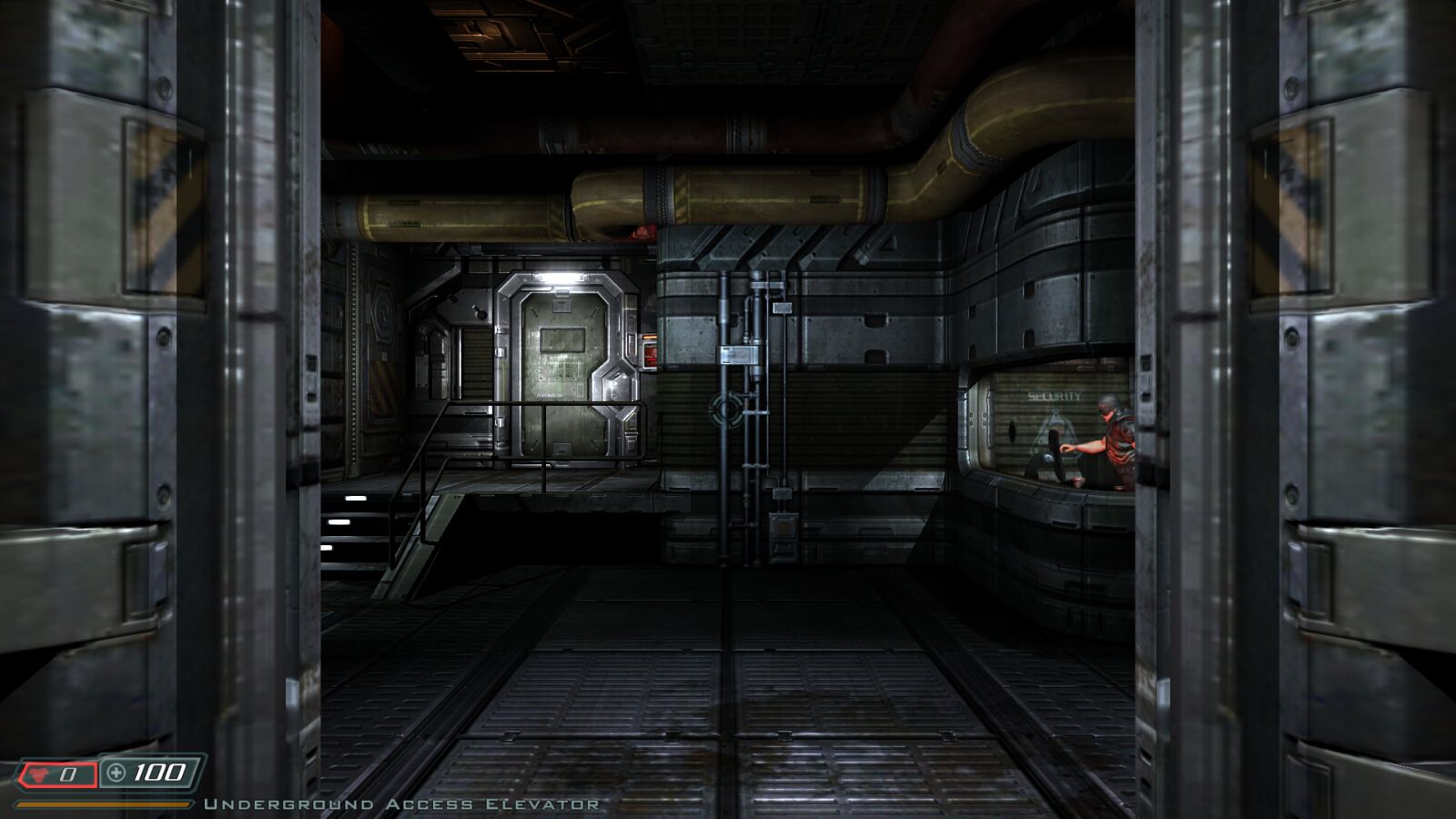
Doom 3 BFG Edition
id Software, 2012
Doom 3, Resurrection of Evil, The Lost Mission, Doom and Doom II. Needs your own copy.
Preparing…
Choose the base folder from your copy. It is copied once and kept in this browser with your saves.

id Software, 2012
Doom 3, Resurrection of Evil, The Lost Mission, Doom and Doom II. Needs your own copy.
Choose the base folder from your copy. It is copied once and kept in this browser with your saves.
Antialiasing takes effect the next time you start. For brightness, use Settings → System in the game menu.
The mouse ignores your system's pointer acceleration, so aim feels the same on every computer.
| W A S D | move |
| Space | jump |
| C | crouch |
| Mouse 1 | fire |
| Wheel 1–0 | weapons |
| F | flashlight |
| R | reload |
| Tab | PDA |
| Shift | run |
Key bindings: Settings → Controls in the game menu.
Gamepad. Xbox and most other controllers work, over USB or Bluetooth. Press any button once so the browser picks it up.
The game supports controllers fully, with on-screen button prompts and rumble. It switches over as soon as you use one. Options: Settings → Controls → Gamepad in the game menu.
Choose the base folder of your Doom 3 BFG Edition (on Steam: steamapps/common/DOOM 3 BFG Edition/base). It's copied into this browser once. Videos and unused languages are left out. The game runs in English if your copy includes it, otherwise in your copy's language.
Takes effect the next time you start.
Saves you make in the game (Save menu and autosaves) stay in this browser. Export them to a file to back them up or move them to another browser.
| Click | capture the mouse |
| Esc | menu; in fullscreen, hold to leave fullscreen |
| Alt+Enter | toggle fullscreen |
| ~ | console |
| F5 F9 | quicksave / quickload |
Doom 3, Resurrection of Evil, The Lost Mission, Doom and Doom II, from your copy of the BFG Edition.