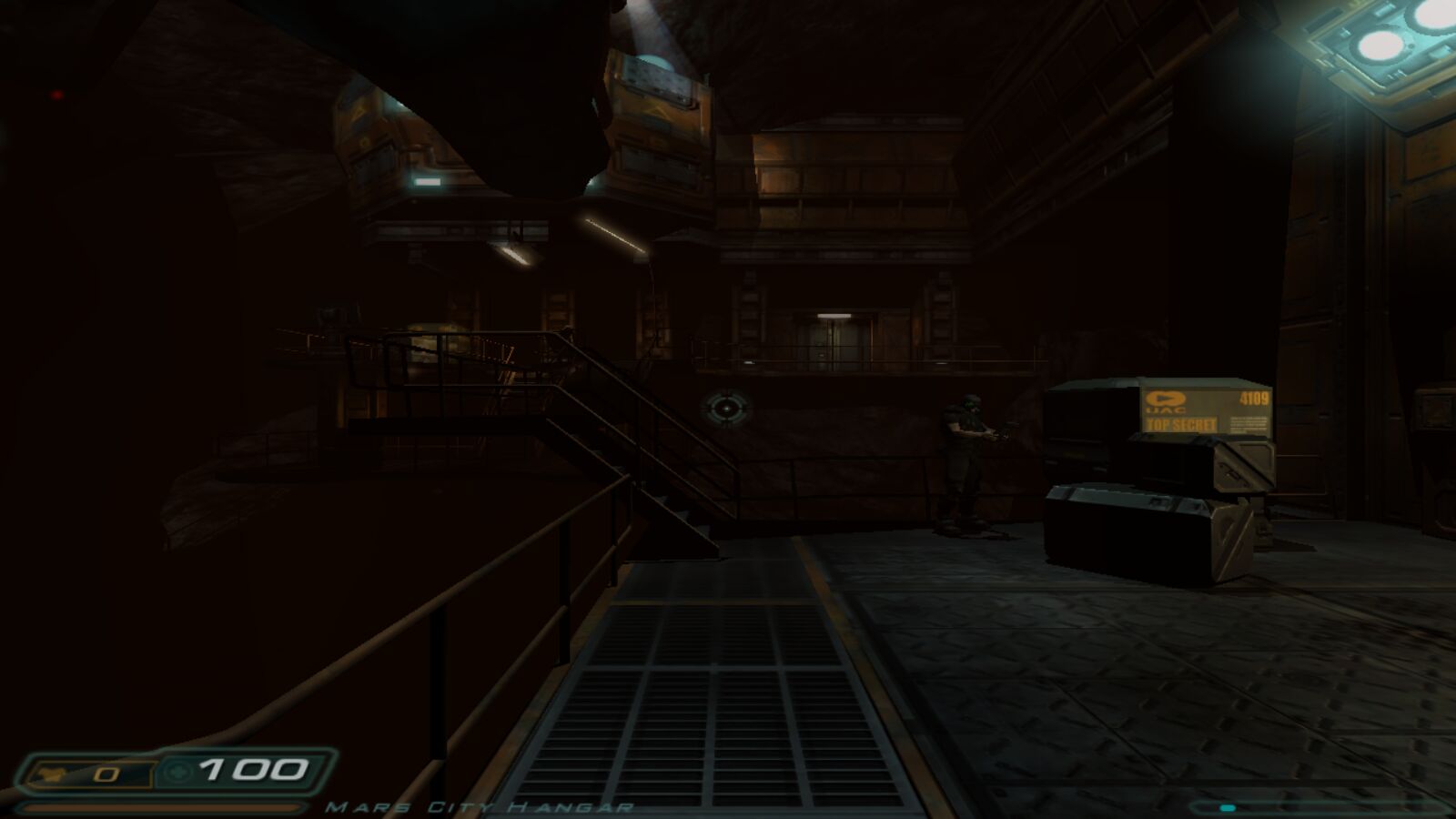
Doom 3
id Software, 2004
Doom 3 1.3.1 with controller support. Includes the demo.
Preparing…
Saves stay in this browser. Own the full game? Add it with Game data.

id Software, 2004
Doom 3 1.3.1 with controller support. Includes the demo.
Saves stay in this browser. Own the full game? Add it with Game data.
Texture quality changes at the next level. For brightness, use Settings → System in the game menu.
The mouse ignores your system's pointer acceleration, so aim feels the same on every computer.
| W A S D | move |
| Space | jump |
| C | crouch |
| Mouse 1 | fire |
| Wheel 1–0 | weapons |
| F | flashlight |
| R | reload |
| Tab | PDA |
| Shift | run |
Key bindings: Settings → Controls in the game menu.
Gamepad. Xbox and most other controllers work, over USB or Bluetooth. Press any button once so the browser picks it up.
| Left stick / right stick | move / look |
| RT LT | fire (also clicks in the PDA and on screens) / run |
| A B X Y | jump, crouch, reload, flashlight |
| LB RB, d-pad | weapons |
| Back Start | PDA, menu |
In menus the sticks move the cursor, A selects and B goes back.
For the full game, add pak000.pk4 to pak004.pk4 from your copy of Doom 3. They're stored in this browser and replace the demo. The 1.3.1 patch files, pak005.pk4 to pak008.pk4, are optional.
Takes effect the next time you start.
Saves you make in the game (Save menu or F5) stay in this browser. Export them to a file to back them up or move them to another browser.
| Click | capture the mouse |
| Esc | menu; in fullscreen, hold to leave fullscreen |
| Alt+Enter | toggle fullscreen |
| ~ | console |
| F5 F9 | quicksave / quickload |
Doom 3 1.3.1 with controller support.